Manage Your Card with the Clipper app!
Plastic or on your phone—we've got you covered.
Download the Clipper app today!
You can manage your Clipper account from your phone—check your balance, add value, view your history, manage multiple accounts, plan your trip, and more!



Why choose the Clipper app?
Manage Your Account
with Your Phone
The Clipper app gives you the same account access as the website, but on your phone! You can check your balance, add cash value and passes to your account, set up Auto-Reload, view your activity, and other features. You can also combine multiple Clipper cards in one place.
Plan Your Trip
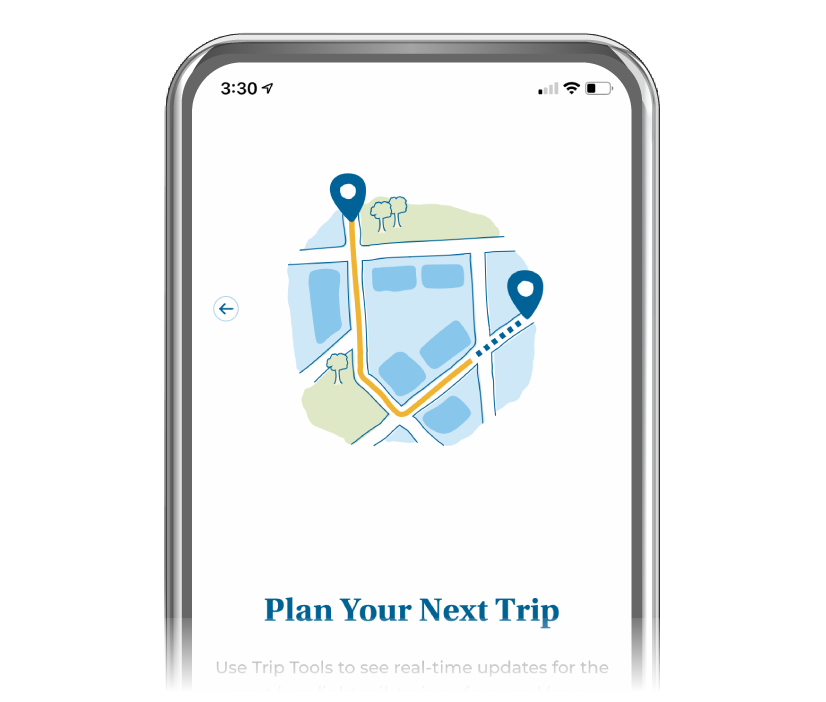
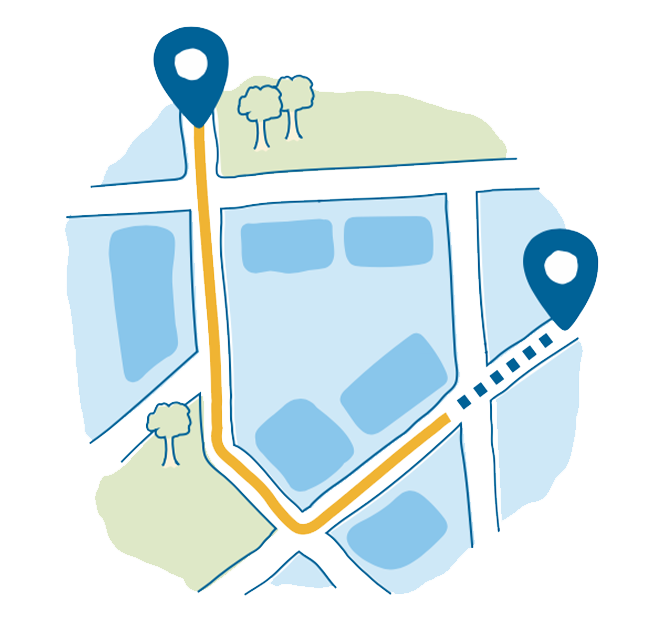
The Clipper app has real-time transit information and helpful trip planning tools to make getting around the Bay easy!
Learn How to Pay with Your Phone
The Clipper app gives you step-by-step instructions for setting up Clipper on your phone.
Questions?
Clipper App Instructions
Clipper App Accessible Documents
Clipper App:Tools and Features (PPTX, 13.3mb) Clipper App Presentation Accessibility Transcript (DOCX, 21kb)How to use the Clipper app
Download the Clipper app today!
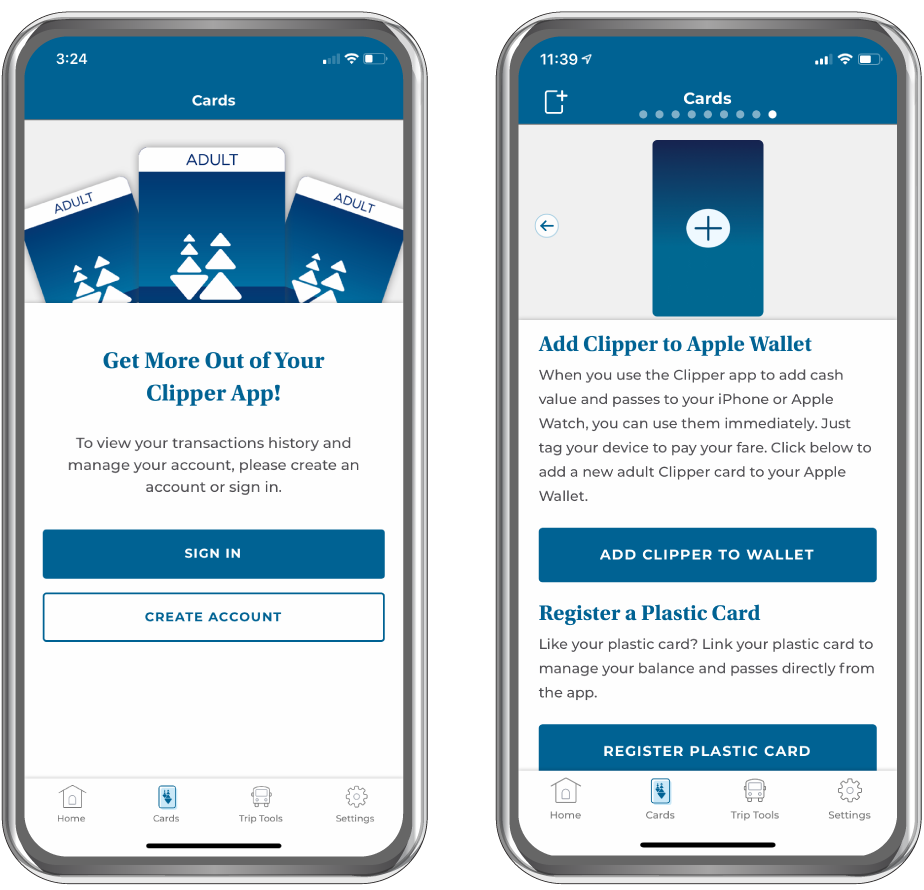
Register a Card
- Download the Clipper app and create an account or sign into your existing account
- Select the Cards icon at the bottom of the screen and tap the plus "+" icon at the top left corner of the app
- Choose one of the two options:
-
Add a Clipper Card to Apple Wallet or Google Wallet
Adding Clipper to your mobile wallet lets you pay fares with your phone
-
Register a Plastic Clipper Card
Adding a plastic Clipper card lets you manage your account through the app, but it does not let you pay fares with your phone
-
- Follow the instructions to finish setting up Clipper on your phone
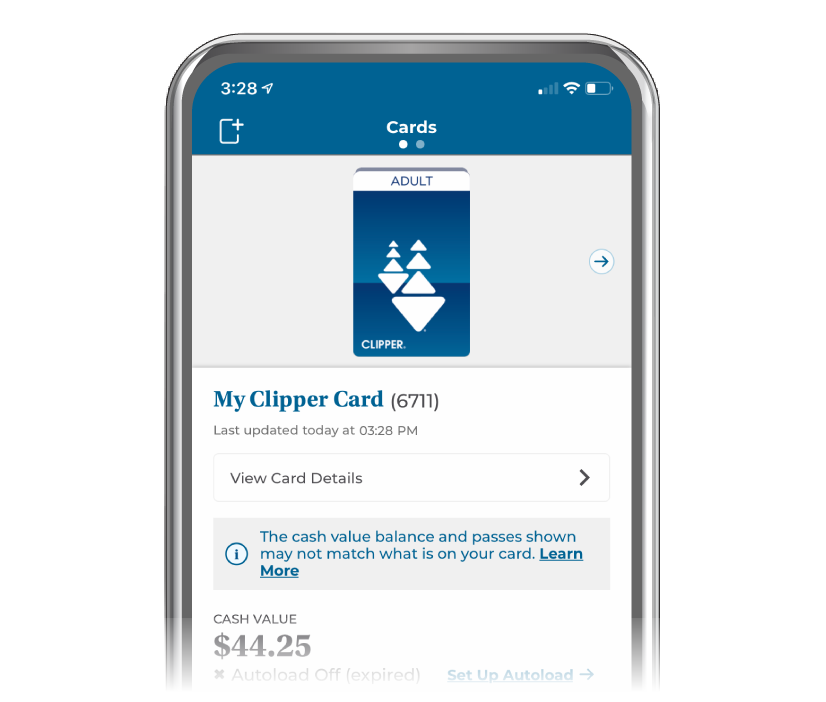
Manage Your Account
You can do more with your account through the Clipper app:
- Check your balance and transaction history in real time
- Set up and manage Auto-Reload
- Manage multiple accounts
- Add cash value and transit passes
- Report a lost, stolen or damaged plastic card
- View or transfer your card's balance
- Access promotions and discounts
And more!
Plan Your Trip
The Clipper app makes planning trips easy:
- View nearby transit options and routes
- Get real-time travel and arrival information
- Save your favorite locations, stops, and stations
- Receive service alerts